KBT Facemorph Guide
Production path, toggles, and sign-off checklist for the locked facemorph spec.
Production Rule
Follow all six locked stages in order. The tool must not generate until both real head cutouts and the eye-pinned alignment are visibly approved. It must not save until one of six controlled candidates and the complete Q/A slides have passed final review beside the canonical masters.
Do not use nano-banana, a generic face swap, a 50/50 alpha blend, a pre-blend-and-clean shortcut, or one face pasted over another.
Fast Workflow
- Pick two high-res, front-facing photos. Use Google Images, Tools, Size, Large.
- Match the pair: both faces should be frontal, similar expression, similar angle, and similar lighting.
- Use Face Prep Tool to prep each source at 1200 x 1200 with eyes aligned.
- In Facemorph Tool, upload Face A and Face B. Flip and re-audit if their orientation does not match.
- Run BiRefNet v2 Portrait matting, inspect both original/green/transparent cutout triptychs, then use the full-resolution Erase/Restore editor to remove any clothing without redrawing the real hair, ears, jaw, chin or beard.
- Build and approve the 50% eye-pinned alignment preview. Opacity is used for this check only.
- Choose explicit A/B ownership for eyes, nose, mouth/chin, ears and hair, then generate six Max-quality candidates.
- Approve one candidate, inspect the complete Q and pull-apart answer reveal against both master PNGs, then pass the final three checks.
- Only mark the item done when Paddy approves the side-by-side comparison.
Source Pair Gate
Accept
- Both faces are sharp, large, and front-on.
- Both have the same expression or very close expression.
- Both heads are angled the same way after flipping if needed.
- No sunglasses, heavy hair over eyes, microphones, hands, or busy foreground objects.
Reject Or Re-prep
- One face is smiling and the other is serious.
- One head is side-on while the other is front-on.
- A candidate creates two ears, two mouths, ghost eyes, a broken jaw or a pasted-on face.
- The output does not match the KBT border, shadow, scale, or slide layout.
Toggles
| Control | Use it for | Production note |
|---|---|---|
| Flip A / Flip B | Make both faces point the same way before alignment. | Required when one face leans the opposite direction. |
| Cutout editor + approvals | Erase clothing on the full-resolution matted PNG, restore accidental strokes, then confirm both real hair/ear/jaw/chin outlines. | Both approvals are mandatory before alignment; editing invalidates all later stages. |
| Alignment approval | Confirm eye centres, eye-line, scale, mouth, jaw and chin at 50% overlay. | Mandatory before generation. |
| Feature A/B toggles | Choose which source owns each eye, nose, mouth/chin, ear and hair region. | The complete recipe is sent with every candidate request. |
| Invert / locked default | Swap all feature ownership or return to the locked default mix. | Changing the recipe invalidates old candidates. |
| Approve candidate | Select the strongest of six distinct Max-quality results. | Nothing is auto-selected. |
Sign-Off Comparison
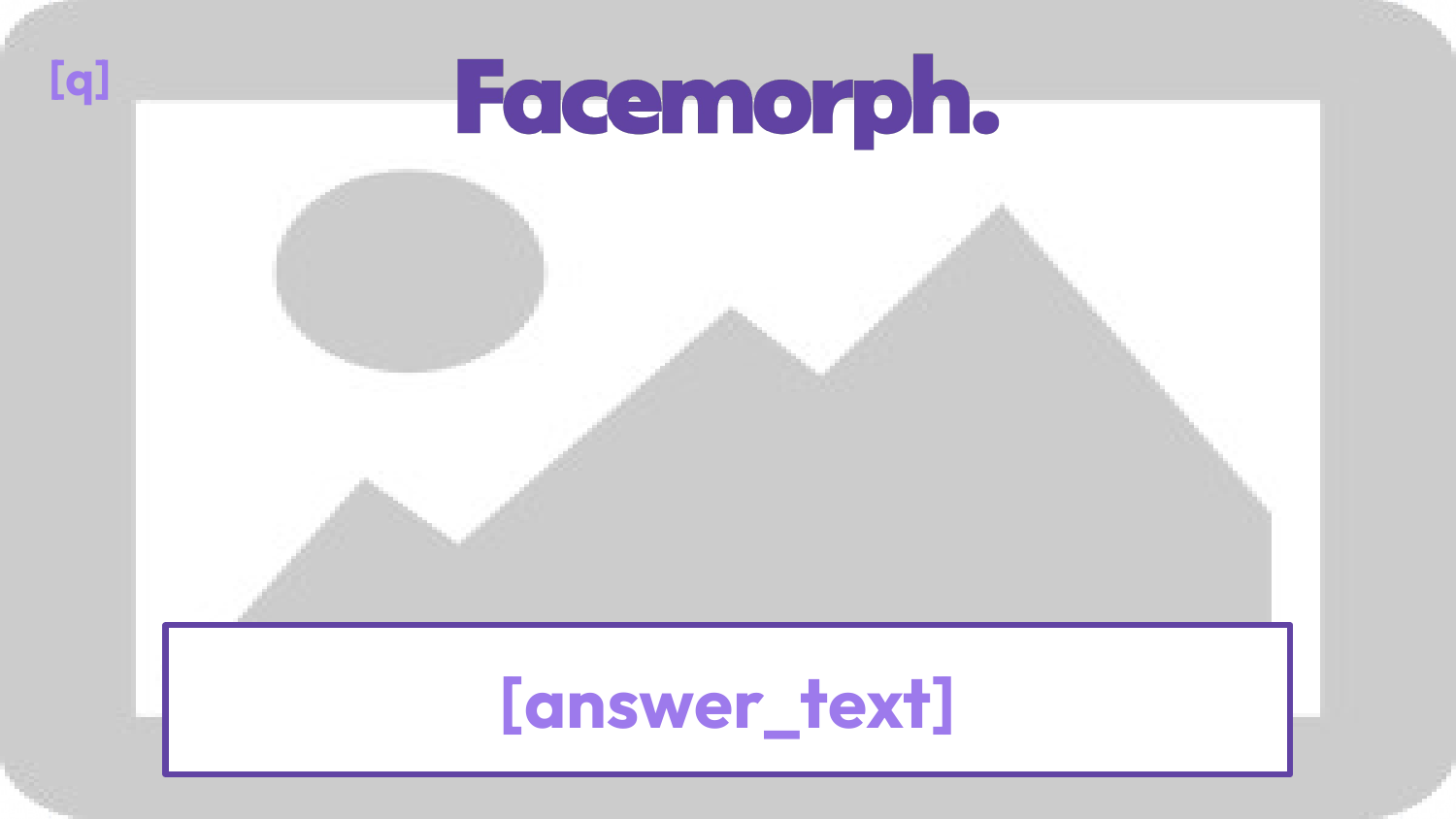
Open the output and these two master references side by side at 1920 x 1080. Check morph quality, no double features, white border, drop shadow, purple Facemorph branding, card position, label pills, and answer reveal.
Q reference

A reference
When It Looks Wrong
- No real morph: reject all six candidates, improve the source pair or ownership recipe, and generate again.
- Different expressions: replace the mismatched source. The production gate does not allow a warning bypass.
- Double features: reject the candidate, re-check cutouts and alignment, then regenerate.
- Clothing or a cut jaw: return to Stage 2. Erase only the clothing; use Restore over any damaged hair, ear, jaw, chin or beard pixels.
- Border or shadow mismatch: compare against the master PNGs, not an older event render.